

Installation steps and video assistance for RNS510 software, followed by the original SWL-error troubleshooting case study.
Firmware update steps
Video:
https://youtu.be/1bx3JRbnJsc
1. Unlock the car but DO NOT put the key into the ignition.
2. Simply insert the Firmware update disc and the RNS 510 will power up. If it does not automatically power up then press the on/off button.
3. Now enter into software update mode by pressing this combination of buttons: Setup + Eject + Info/Mic – top right hand button next to the DVD slot
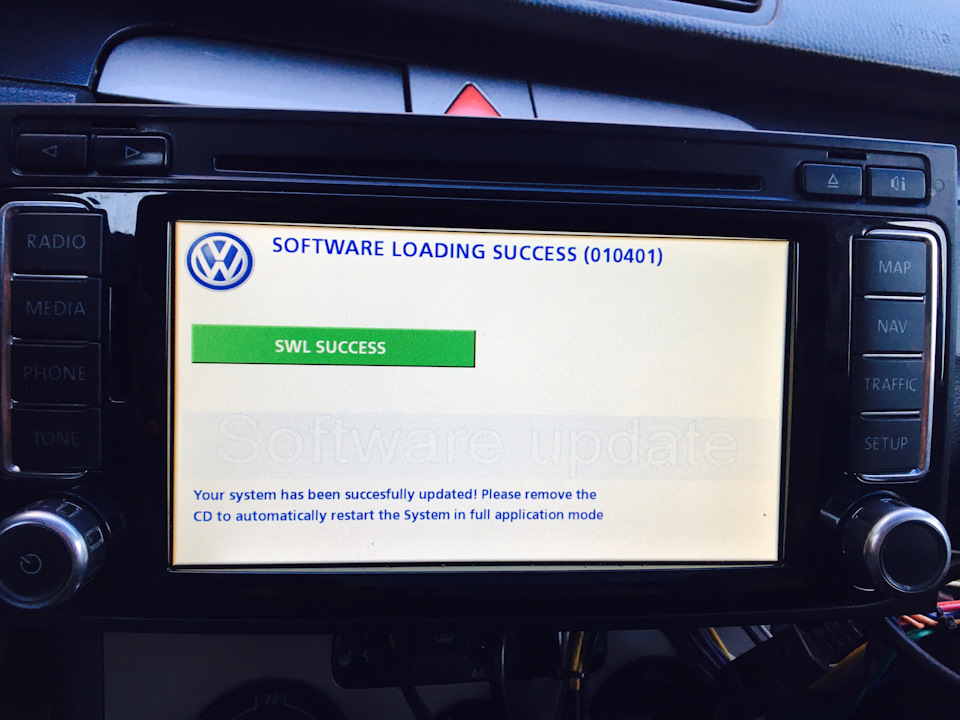
4. Follow the onscreen instruction to complete the firmware update.
Purchase Firmware Here:
SWL-error case study
Information sourced from: https://www.drive2.com/o/b/474418652616065252/
Good day!
The owner of VW Touareg GP applied to us for navigation maps update, Russification, POI downloads, video on the move RNS 510 (7L6 035 680 B). 
In the standard RNS510 (7L6 035 680 B) (version B, 0xC201) had an old firmware 1202, in which the Russian language is missing.
At the same time, navigation maps were not downloaded to the built-in RNS 510 hard drive, so navigation was not possible.

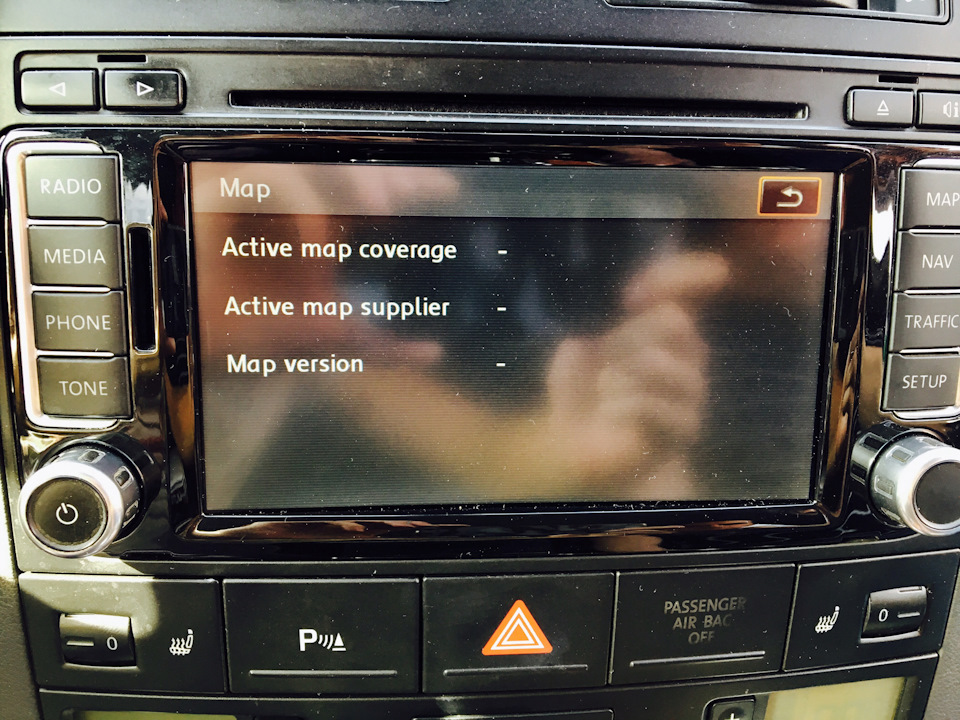
Updating the RNS 510 begins with computer diagnostics and the 56-block encoding.
After that, we proceed to firmware PHS 510 for the purpose of Russification, correction of the shortcomings revealed in previous versions of the software and optimizing the operation of the head unit.
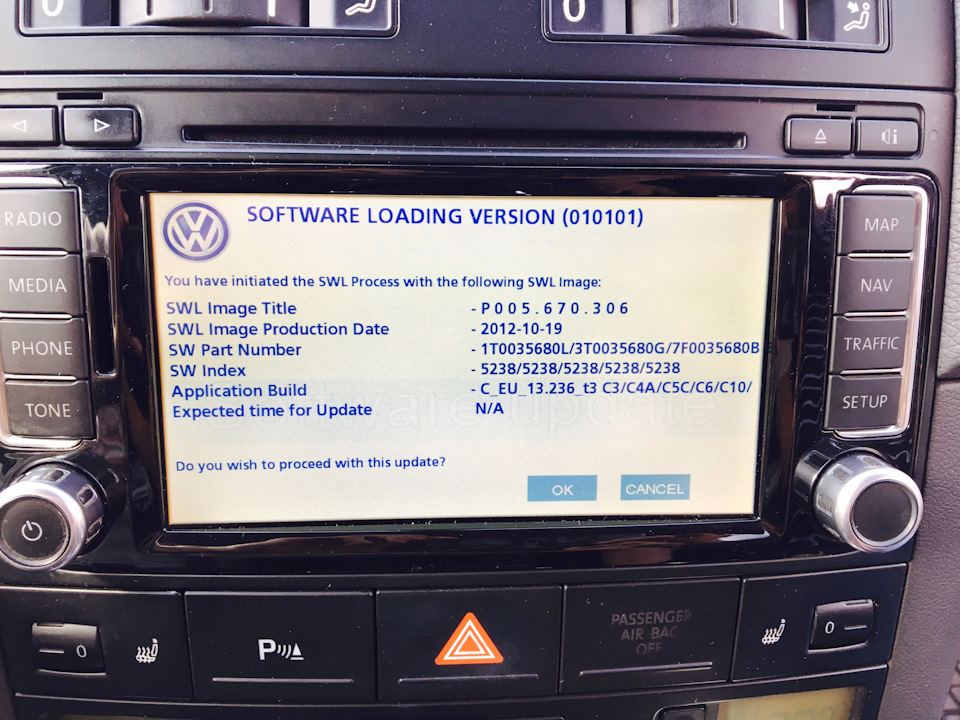
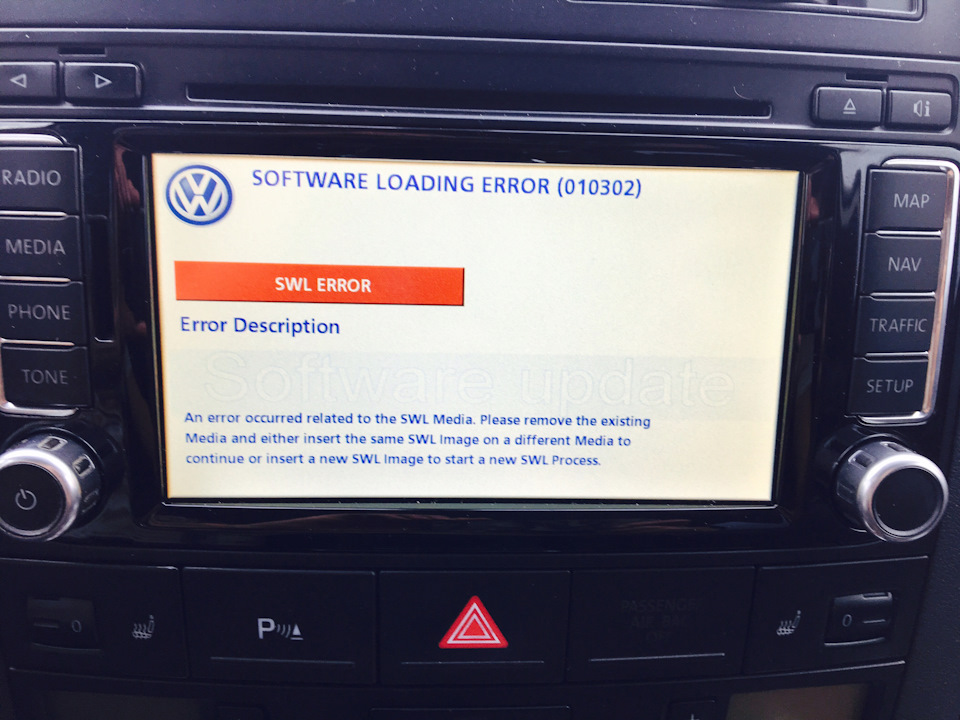
However, after the RNS 510 firmware was started, the update process was continually interrupted by 8% when updating the HDD, with the error SWL Error 010302 (An error occured to the SWM Media. or insert the same SWL image , which means "Extract the current disk and either insert the same firmware disk into the other media, or a new disk with a different firmware. "
At the same time, the same firmware on other media (CD-R, DVD + R, DVD-R) was either not loaded at all, or the process was interrupted by updating the HDD or APPL.
In this regard, it was decided to clean the lens RNS 510.
The length of the RNS 510 parsing and lens cleaning is approximately 1 hour.
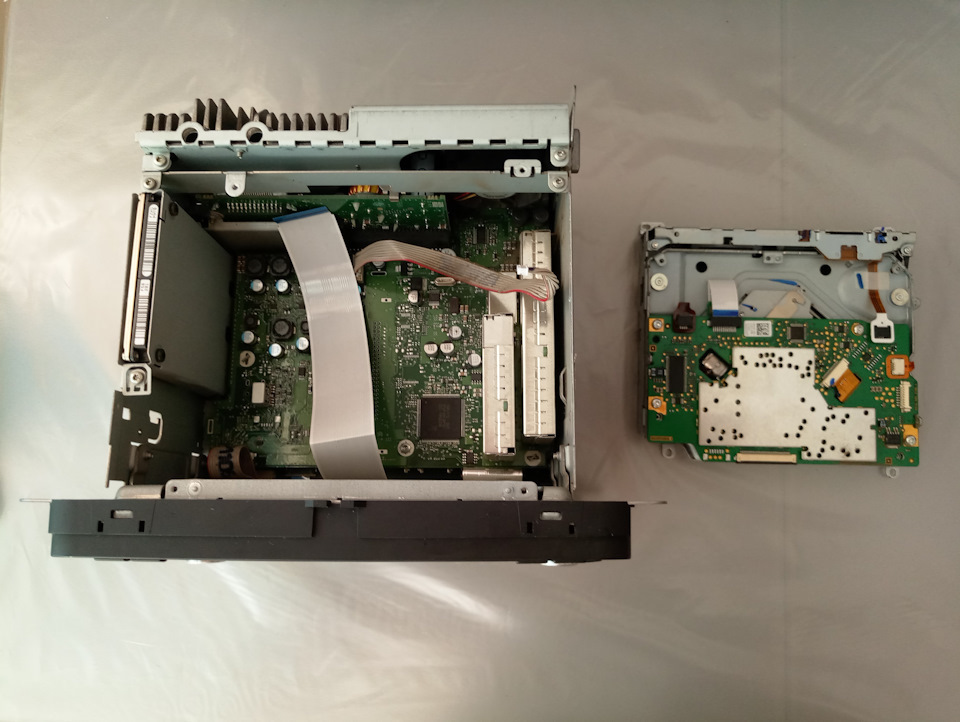
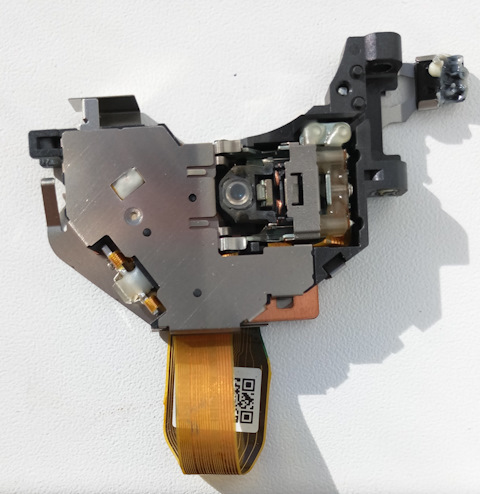
The procedure for cleaning the lens RNS 510 is available not only in Perm, but also in Yekaterinburgfrom our colleague VAGCOM96 .
After cleaning the lens, the process of updating the firmware RNS 510 (7L6 035 680 B) started and ended SUCCESSLY, its duration was 55 minutes. A new firmware version 5238 was downloaded
In order for the owner of VW Touareg to use his car, we dismantled the RNS 510 and updated it on another vehicle.

Need help with your installation?
Contact German Audio Tech with your vehicle details and a photo of the unit label if you need help identifying the correct part or instructions.